Free
Everything you need to try Vortex.
€0.00
- 1 client at a time
- All free plugins
- Automatic updates
The OSRS bot and PK client. You pick the fight; Vortex handles the clicks.
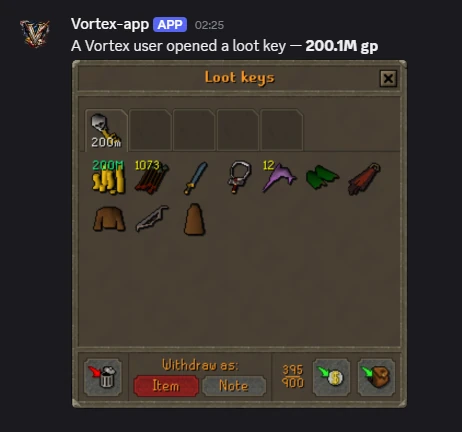
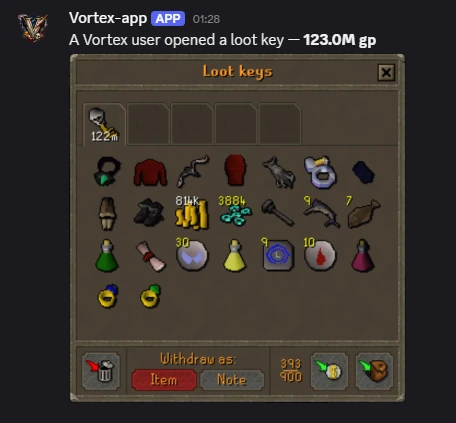
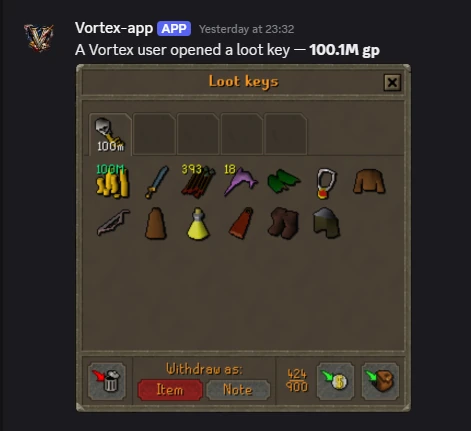
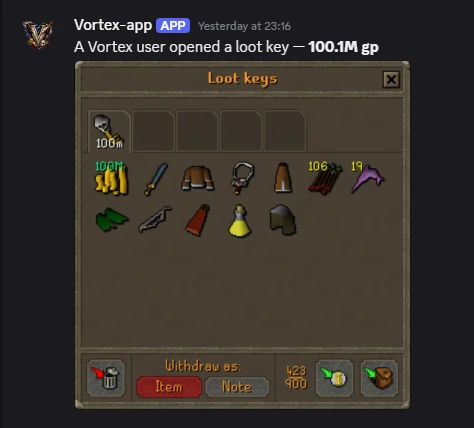
Every key below was opened by a Vortex user and posted by our Discord webhook.
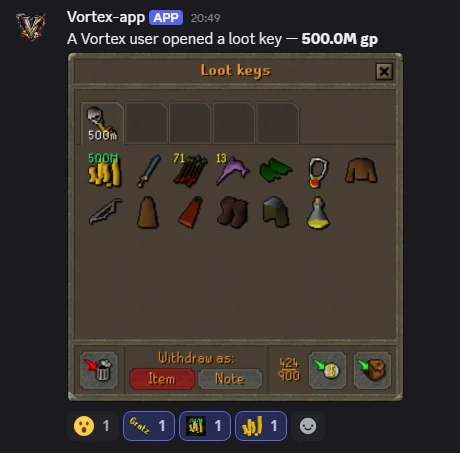
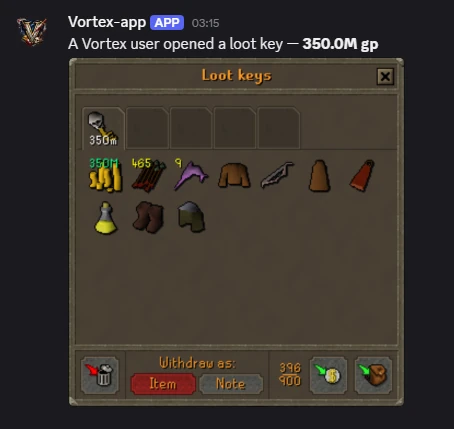
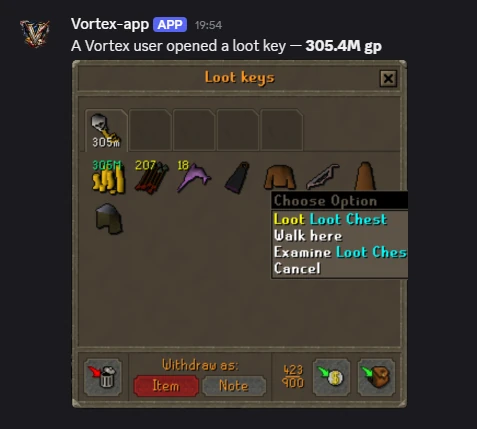
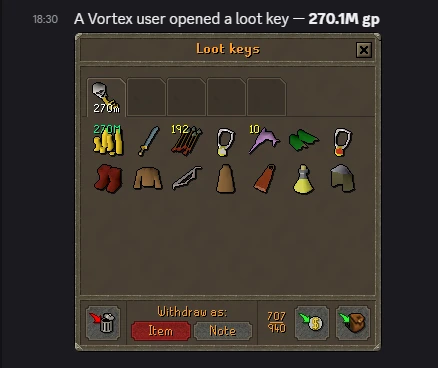
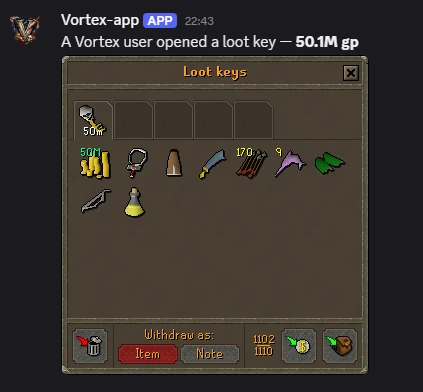
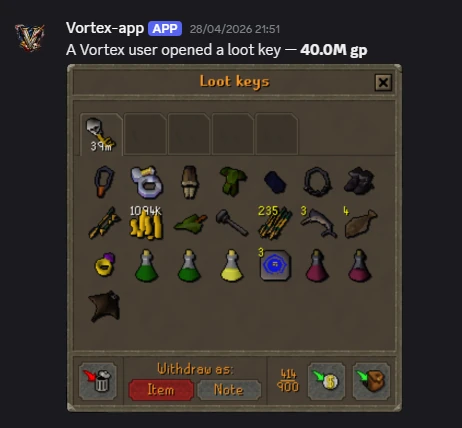
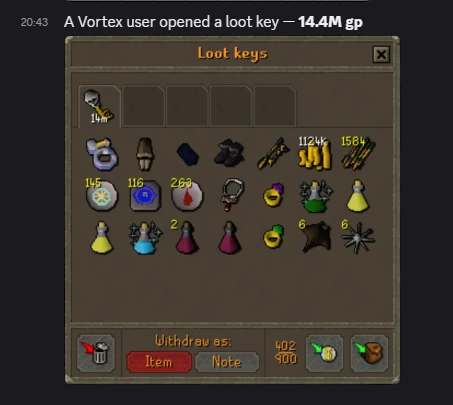
Five jobs, each a plugin you switch on and stay in control of.
Your settings sync across devices, and plugins install and update in one click. See every plugin
Start free with one client. Go VIP when one isn't enough.
Everything you need to try Vortex.
Run as many clients as you want.
Wilderness combat, on your hotkeys
Skills, minigames and activities. Zero grind.
Pick a boss, press start.
 Binance
 Crypto
 Wise
Wise Revolut
 PayPal +10% fee
Card payments go through instantly. For any other method, open a ticket on our Discord, tell us the plan you want, and we’ll set it up and hand you your key.
Order on DiscordVIP renews until you cancel, and you keep it to the end of the period you paid for. A premium plugin is a one-time purchase for the period shown; buying it again adds another period. Plugins are paid with Vortex credits (1 credit = €1, credits never expire). A plugin doesn’t add clients: a free account runs 1 client at a time, so run a plugin in more clients with VIP. All sales are final — see the Terms of Service.
Download, run the installer, log in with your key. The walkthrough below takes about two and a half minutes.
In Vortex go to Home → “How to Add Jagex” → “Enable Jagex Launcher integration”. macOS asks for permission to update other apps: allow it under System Settings → Privacy & Security → App Management. Without that permission the Jagex Launcher integration can’t be installed.
macOS 11 or later. No separate Java install: the runtime ships inside the app.